
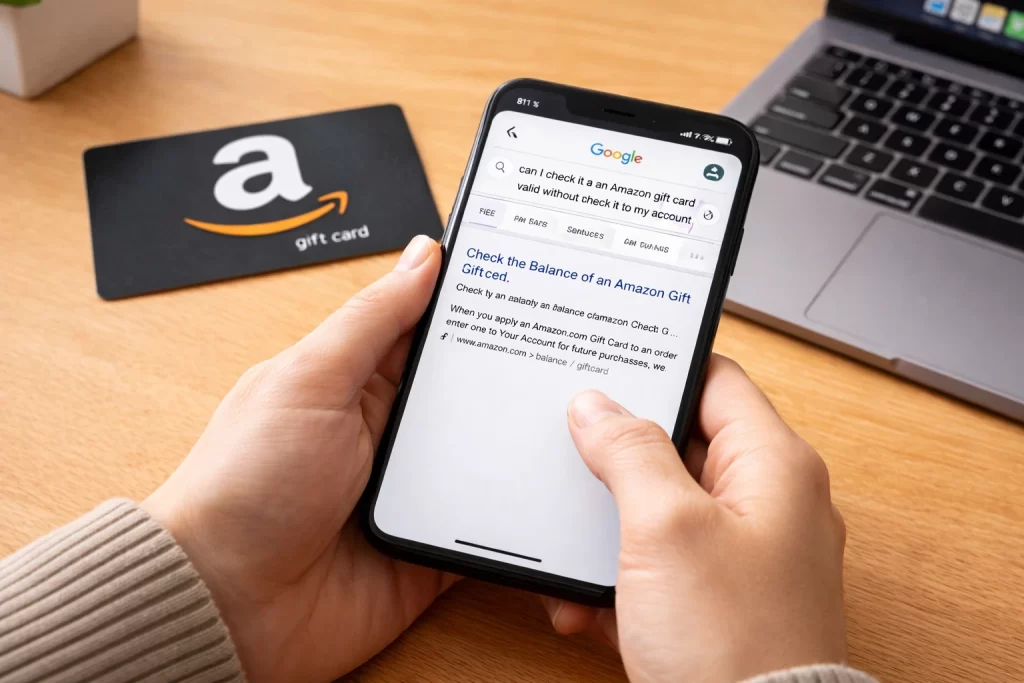
Short answer: there is no safe shortcut that proves an Amazon Gift Card is unused without using Amazon’s own account or support process. If you plan to sell the card, do not add it to an account only to test it and do not give the claim code to a third-party “checker.” Start by confirming the marketplace, amount, format and purchase proof.
For sellers, “active” can mean that the code has not been redeemed, that it belongs to the right Amazon marketplace, or that a buyer is willing to accept its proof. Those are separate questions. An estimate can help you compare the card after its details are clear, but it cannot prove the remaining balance or the card’s history.
Start with the marketplace, not the amount
Amazon gift cards are issued for specific marketplaces. An Amazon.com card is not automatically the same product as a card for another Amazon country site. Check the purchase email, card packaging and currency before you ask for a quote or attempt to use the code.
Then record the face value and format. A physical card, a digital claim code and a forwarded screenshot can require different proof. Do not use a generic label such as “Amazon card” when the marketplace is unknown.
What you can safely inspect before adding the card
- Marketplace and currency: identify the Amazon site the card was bought for.
- Purchase trail: keep the original receipt, delivery email or order confirmation. Redact unrelated personal information before sharing proof.
- Card condition: note whether the claim code is intact and whether the card has been photographed or shared.
- Amount and format: make sure the buyer’s quote applies to the exact card in hand.
Use Amazon’s official help for redemption and balance questions
If you intend to use the card yourself, follow Amazon’s gift card redemption guidance. Amazon also publishes guidance for checking gift card balance and its gift card terms.
Those official pages answer Amazon-side questions. They do not establish a Nigerian resale payout, and they do not make it safe to disclose a code to someone else. If resale is your purpose, think carefully before redeeming because adding the value to an account can change what a buyer is willing to accept.
Ask for a rate only after the card details match
Once the marketplace, face value and format are clear, compare the matching route. For a US-issued card, start with the US Amazon Gift Card rate in Nigeria. If you need a broader comparison, use Amazon Gift Card rates by country.
Describe your card precisely: for example, “one US Amazon physical card, $100, receipt available.” Do not share the full claim code as part of the rate request. A rate shown on a page is indicative and may differ from a buyer’s final offer.
Protect the claim code during verification
The claim code is the value of the card. Be cautious when a buyer asks to see it before explaining the verification process, especially when the request is urgent or asks you to test multiple websites. Keep all communication and proof requests inside an agreed process, and keep your original receipt or delivery email until the matter is resolved.
Pause the sale if the card’s marketplace cannot be confirmed, the code has already been exposed, or the buyer’s stated terms do not match the card’s country, amount or format. Solving those mismatches first is safer than accepting a fast but unclear offer.
Amazon Gift Card status FAQ
Can I check whether an Amazon Gift Card is active without redeeming it?
You can verify the marketplace, amount, format and purchase proof, but do not rely on third-party sites to prove a code is unused. Use Amazon’s own help routes for Amazon-side questions.
Should I add the card to my Amazon account before selling it?
Not solely to test it. Adding a card can change it from an unused gift card into account balance, which may not meet a buyer’s requirements.
What should I provide for a buyer quote?
Provide the marketplace, amount, format and safe proof of purchase when appropriate. Keep the full claim code private until there is a clear verification process.