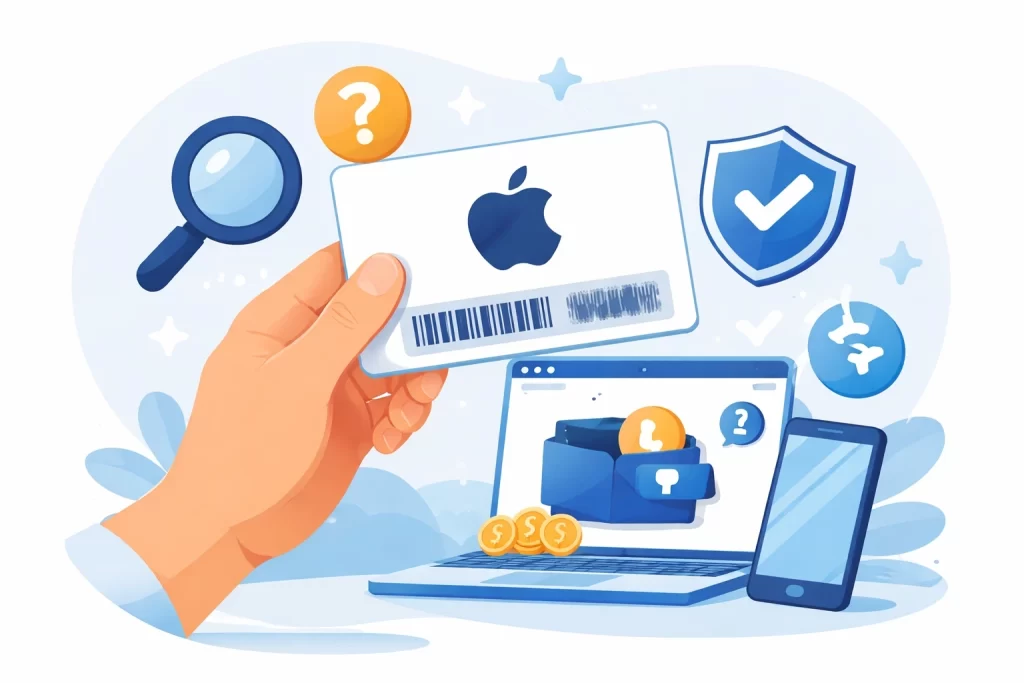
Short answer: Apple does not provide a public “active checker” for an unused gift card. If you plan to sell the card, do not enter its code into a third-party website or add it to your own Apple Account just to test it. Instead, confirm the card details, keep the purchase proof, and use Apple Support only for Apple-side redemption problems.
For a seller, “active” usually means three different things: the code has not been redeemed, the card belongs to the stated country or region, and a buyer can verify its source. Those questions need different evidence. A rate estimate cannot prove a card is unused, and an Apple support page cannot promise a buyer’s final offer.
What you can check without redeeming
You can inspect the information around the card without exposing its value. Look at the original card or delivery email, not a forwarded screenshot, and record the country, currency, face value, format and purchase source.
- Country or region: an Apple gift card is tied to its purchase market. A US card should not be described as a Nigerian card simply because the seller is in Nigeria.
- Format: keep physical cards, scans and e-codes distinct. A photograph of a physical card remains a physical card.
- Purchase proof: retain a receipt or original order email. Hide personal payment details before sharing any proof.
- Code safety: keep the full redemption code private. It is not a harmless verification field.
Why an unused card cannot be fully tested like a bank balance
Redeeming a gift card is the normal way to add its value to an Apple Account. If your purpose is resale, that action can change the product you are offering: an unused gift card becomes account balance. That is why “check it first” can be the wrong instruction for a seller.
Apple’s support guidance is useful when a card cannot be redeemed, appears already redeemed, is unreadable, or belongs to another country or region. It does not turn an unofficial website or buyer chat into a safe balance-checking service.
Use Apple Support for Apple-side problems
If you see an error during an official redemption attempt, follow Apple’s gift card redemption troubleshooting. Apple explains that a code may need to be redeemed in its purchase country or region, and that an activation issue may need to be resolved with the retailer.
If you intend to use the card yourself, Apple’s official redemption guide is the right place to start. If you intend to sell it, pause before redeeming and make sure the buyer is asking for the same card type and market that you hold.
How to prepare an Apple card for a buyer quote
- State the exact country, amount and card format.
- Keep the receipt or original purchase email available for a legitimate proof request.
- Do not send the full code to several people for “testing.”
- Compare the matching market on the Apple Gift Card rates by country page.
- Use the GiftCardsRate calculator only after the country, amount, quantity and format are correct.
The result is an estimate, not a guaranteed payout. A buyer may still consider proof, card condition and the transaction process before making an offer.
Warning signs to take seriously
Stop if a website, chat account or buyer asks you to reveal the complete code before explaining how it will be handled. Apple warns that a person who obtains a redemption code can spend the balance, so you should not treat the code as routine pre-sale information.
Also pause when the market described by the buyer does not match the card. A US Apple card, an Apple Store Gift Card and a card bought for another App Store region are not interchangeable. Use the wording on the card and the purchase proof rather than a generic description.
Apple gift card status FAQ
Can I check whether an Apple Gift Card is active without redeeming it?
You can check the card details and purchase proof, but there is no safe public checker that proves an unused code is active. For Apple-side errors, use Apple Support rather than a third-party site.
Will redeeming the card affect resale?
It can. Redeeming normally adds the value to an Apple Account, which is different from holding an unused gift card. Do not redeem solely to obtain a resale estimate.
What should I share when asking for a quote?
Share the country, amount, format and safe proof of purchase if needed. Keep the full redemption code private until there is an agreed, safe verification process.